REVIEW · VERONA
Verona Bike Tour, self-guided
Book on GetYourGuide →Operated by Itinera Bike & Travel · Bookable on GetYourGuide
Verona clicks into place on two wheels. This self-guided ride uses an app to guide you past Roman, medieval, and Austrian-era landmarks, with you able to start when you like and pause on your own schedule. I like the route-by-phone approach because it keeps you in the city center without needing to stick to someone else’s pace. One possible drawback to plan for: the app has no audio, so you’ll be relying on your screen in bright light.
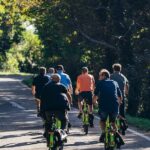
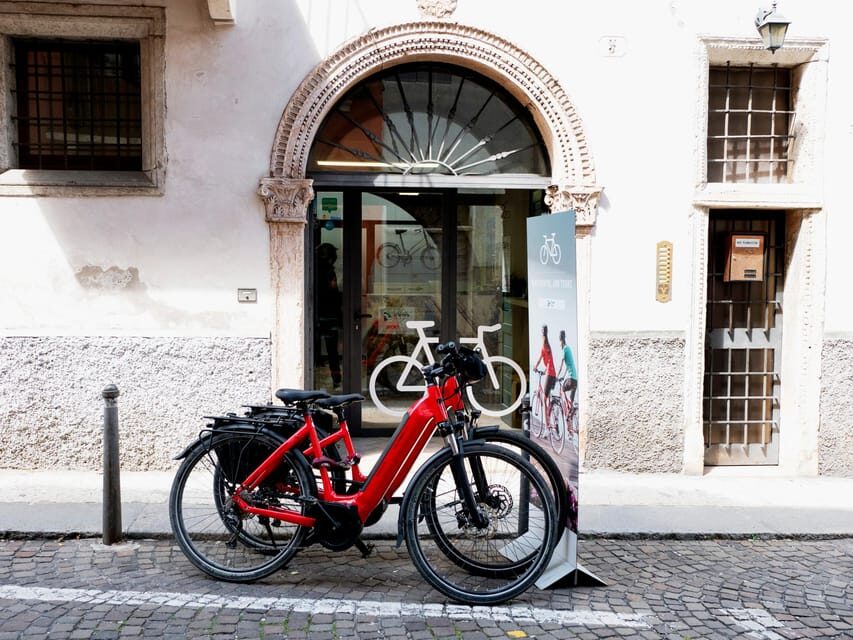
I also like that the “kit” is actually useful. You get a bike rental with helmet and lock plus a phone mobile holder, so you can get going fast from the shop at Itinera Bike & Travel. With three short photo stops—Castelvecchio Bridge, Basilica di San Zeno Maggiore, and the Verona Arena—you can see a lot of Verona’s big-name sights in just 3 hours.
In This Review
- Key points to know before you pedal
- Verona by bike: why this 3-hour format works
- Pickup at Itinera Bike & Travel and setting up your phone
- Castelvecchio Bridge: a short photo stop that sets the rhythm
- Basilica di San Zeno Maggiore: medieval atmosphere in 15 minutes
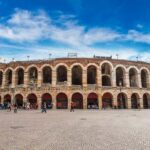
- Verona Arena: seeing the ancient scale, even if only from outside
- Riding smart in Verona’s center: app-first navigation tips
- What you get for $34: value that’s mostly about gear and time
- Who should book this Verona bike tour (and who might not)
- Should you book the Verona Bike Tour with Itinera Bike & Travel?
- FAQ
- Where is the starting point for the Verona bike tour?
- How long is the self-guided Verona bike tour?
- How much does the tour cost?
- What’s included with the bike rental?
- What is the maximum group size?
- How does the self-guided part work?
- Which attractions do you stop at during the route?
- What languages are available for the instructor?
- Is free cancellation available?
Key points to know before you pedal
- Self-guided flexibility: start at your preferred time, stop as often as you want, and spend more or less time at each stop
- Phone-on-handlebar setup: you place your mobile on the holder so the app route stays in your line of sight
- A “time-period” route: you’ll cycle through Roman highlights like the ancient Arena, medieval stops, and sights tied to later Austrian-era chapters
- Three photo-stop anchors: short, focused breaks at Castelvecchio Bridge, San Zeno Maggiore, and the Arena
- Small group size: limited to 8 participants, which usually means smoother pickup and handoff to the self-guided format
Verona by bike: why this 3-hour format works
Verona is compact, and that matters. On foot, you can end up zigzagging just to reach the next big landmark. By bike, you trade that wandering time for steady movement through the city center, so you can actually connect the sights instead of checking boxes.
What I like about this tour’s concept is the way it frames the city through time. The route is built around major eras you can recognize fast: Roman (the ancient Arena), medieval influence (Verona’s symbol linked to the noble La Scala family), and later chapters like Austrian domination. Even if you only skim the app notes between pedal strokes, the pattern helps you “read” Verona instead of just passing it.
Best of all, you’re not locked into a rigid schedule. You can start when you like and stop where and how long you prefer, which is a big deal in a city where people want photos—often at the same spots, often at the same times. Here, you get breathing room.
You can also read our reviews of more cycling tours in Verona

Pickup at Itinera Bike & Travel and setting up your phone
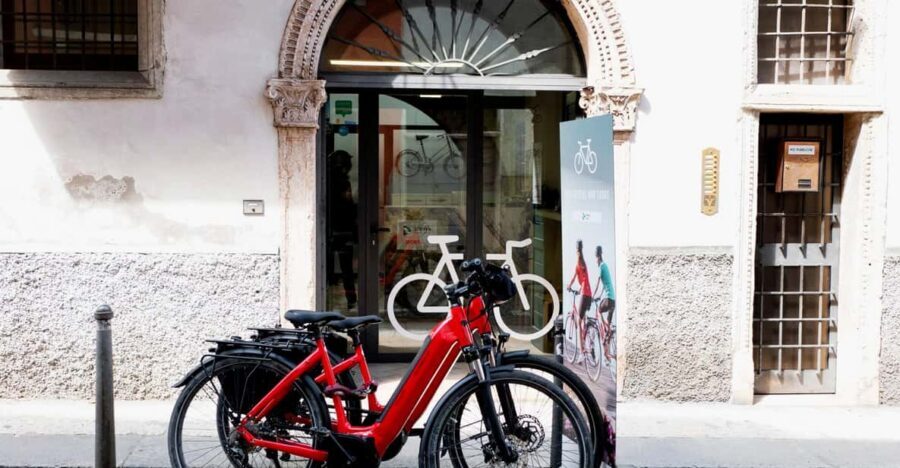
Your tour starts at Via Madonna del Terraglio, 5. This is where you’ll pick up your bike rental (helmet and lock included) and the mobile holder that keeps your phone stable while you ride.
The practical trick is how you mount your phone. The experience is designed so you set your mobile phone on the handlebar and follow the app from there. That means your phone becomes your navigation, your guide, and your “stop and read” station. Before you roll, take 2 minutes to get your screen brightness up and make sure you can comfortably read the text without tilting your head into the glare.
Also, think ahead about how you’ll manage the moments when you stop for photos. Since you’re riding with the phone displayed, it’s worth planning a quick routine: pause, angle the phone so you can read the next bit, snap the photo, then ride on. Small habits like this keep the whole thing smooth and reduce frustration.
And yes—the bikes come with a lock. That’s useful if you want to hop off at a stop and do something quick before you continue, even if your planned time is short.
Castelvecchio Bridge: a short photo stop that sets the rhythm
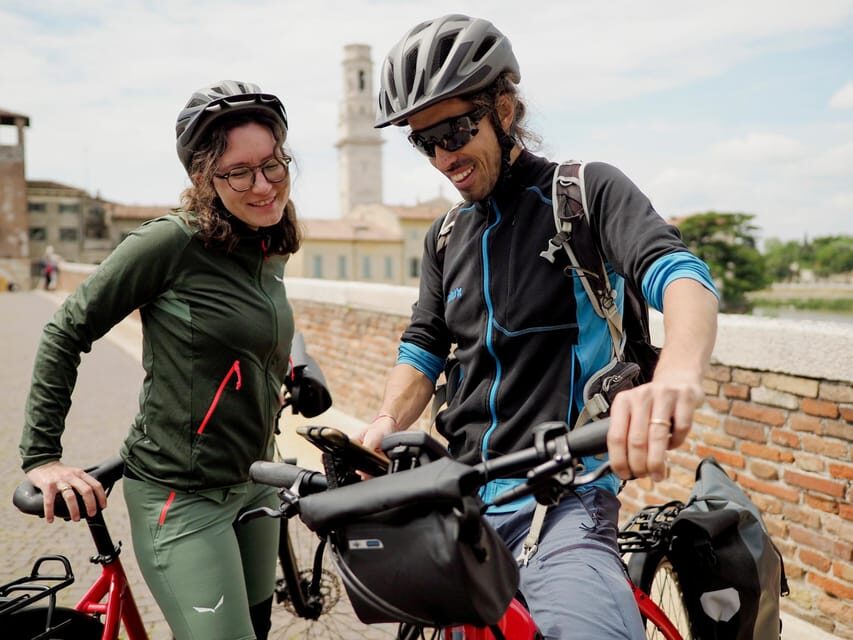
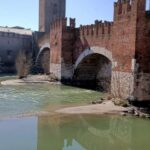
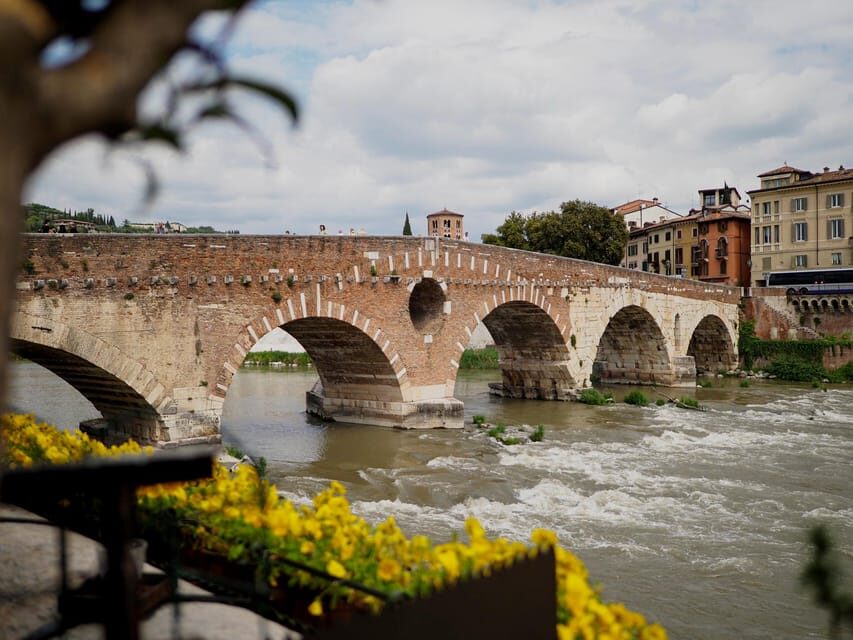
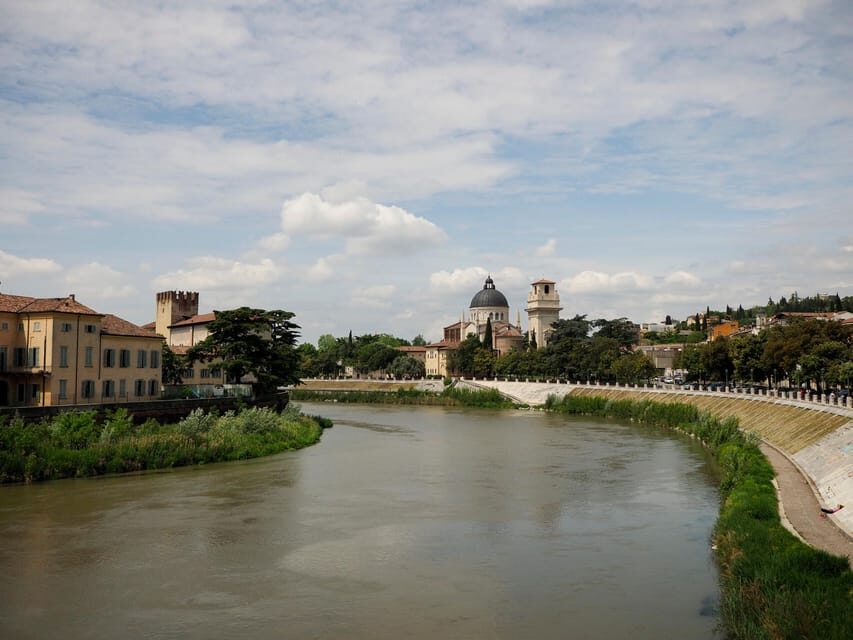
Your first sightseeing stop is Castelvecchio Bridge, with a photo break of about 10 minutes.
This kind of early stop is smart. It gives you a “landing moment” after you get rolling, so the tour doesn’t feel like pure transit. You’ll likely use this pause to frame a few wide shots of the bridge area, get your bearings, and check what’s next on the app.
The 10-minute timing is also realistic. Verona’s center is best enjoyed in short bursts. If you have energy, you can linger a bit and still keep the overall 3-hour plan intact because the route is self-guided. If you’re tired or it’s hot, you can take the minimum time and move on without feeling like you’ve fallen behind.
Basilica di San Zeno Maggiore: medieval atmosphere in 15 minutes
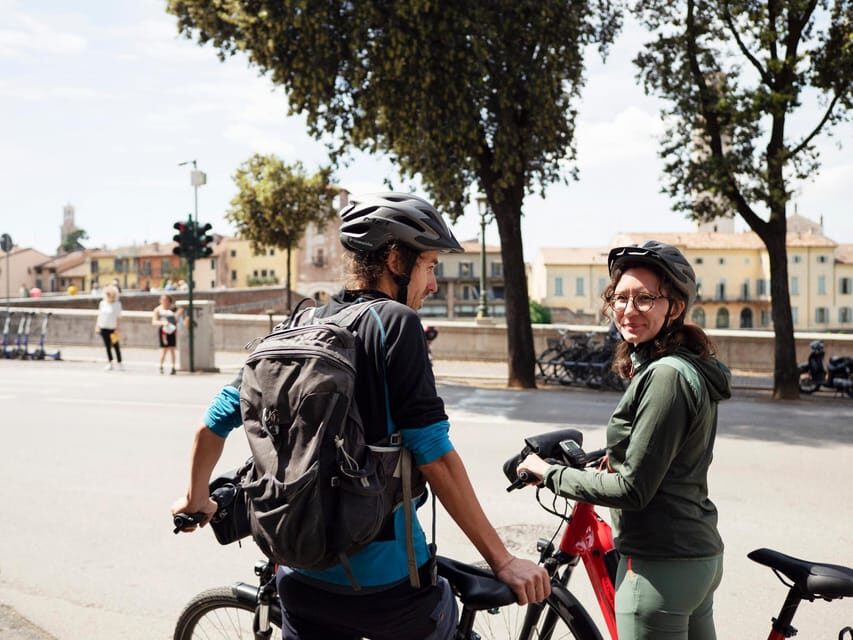
Next up is Basilica di San Zeno Maggiore, with a photo stop around 15 minutes.
Even without going deep into details, this is a helpful anchor. A medieval church stop does something simple: it changes the “feel” of your ride. You’ll slow down, look around the area, and connect what the app is telling you to what you can see in front of you.
This stop is also a good place to use the app text rather than just reading while you roll. Since your photo time is longer here than the first stop, it’s the kind of moment where you can stop, absorb a few of the city curiosities from the app, and then decide how long you want to stay within the overall flow.
One caution: if your phone is harder to read in sunlight, the church stop is where you’ll notice it the most, because you’ll have more time to want to read. This is the main “watch your phone” challenge to plan for throughout the ride.
Verona Arena: seeing the ancient scale, even if only from outside
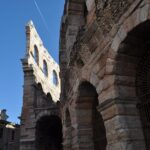
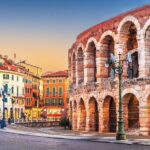
The final landmark stop is the Verona Arena, another photo stop of about 15 minutes. The itinerary is designed to include it as a key Roman-time highlight, and it even points out that the Arena is worth a visit inside.
So here’s how I’d think about this stop: it’s your chance to get oriented to one of Verona’s strongest symbols. Even if you don’t enter, you’ll leave with a clearer sense of why this is such a big draw for art, architecture, and events in the city.
If you’re tempted to go inside the Arena, treat this photo stop as a “taste” moment. Since your bike time is scheduled for about 15 minutes, you’ll likely need to decide on the spot whether you want to add extra time before you head back to Via Madonna del Terraglio, 5. The tour’s self-guided flexibility helps here—you can spend longer at your preferred stop and shorten another if needed.
You can also read our reviews of more guided tours in Verona


Riding smart in Verona’s center: app-first navigation tips
Because this is self-guided, your biggest variable is your phone experience. The app route is central to the tour—so your success depends on how easy it is to follow instructions while pedaling.
Here are practical habits that make a big difference:
- Keep your screen readable: in sunny conditions, a high brightness setting and sunglasses (if you wear them) can help reduce glare. If you can’t read the app easily, slow down and take your next cue during a stop.
- Don’t ride and squint: if you find yourself leaning forward to read, pause sooner. The tour is built for you to stop when you want.
- Stay calm if signals drop: some areas can be patchy for connectivity depending on where you are. If the connection is unstable, switch to the simplest plan: continue to your next stop using the map layout you already have in front of you, or return toward your starting area and restart the route.
Also, keep in mind this isn’t a long-distance ride. You’re in a city center loop with multiple planned photo pauses, so you don’t need to conserve energy like you would on a countryside route. That’s good news if you want the ride to feel relaxed rather than athletic.
What you get for $34: value that’s mostly about gear and time
At about $34 per person for a 3-hour experience, this tour is priced like a value add—not like a full-day excursion. The key is what’s included.
Your package covers:
- Bike rental with helmet and lock
- Mobile holder for the app route
- The app link with route and description
So you’re not paying extra for the bike equipment, and you’re not improvising with borrowed helmets or trying to balance your phone in your hand while riding. That’s real convenience, especially in a self-guided format where you’re doing the work of planning on the fly.
Then there’s the time efficiency. Three hours in a city like Verona is long enough to see the core landmarks and stop for photos, but short enough that you don’t need to take a full afternoon off. If you’re trying to fit Verona into a packed itinerary, this length is the kind of practical decision that actually helps.
One more value angle: small group size. The experience is limited to 8 participants, which can mean less waiting and smoother setup when you pick up your bikes. Even though you’re self-guided once you start, the early part matters.
Who should book this Verona bike tour (and who might not)
This is a great fit if you:
- want to cover a lot of Verona landmarks without organizing a lot of logistics
- like using phone-based guidance and don’t mind stopping for short photo breaks
- want a relaxed 3-hour plan with the freedom to linger at your favorite spot
It may be less ideal if you:
- strongly prefer audio-guided commentary instead of reading on your screen
- expect a super easy phone experience in heavy sun and don’t want to manage brightness or glare
- rely on a perfect signal at all times
In other words: this is a smart choice for independent explorers who enjoy cycling at a casual pace and are comfortable using an app as your guide.
Should you book the Verona Bike Tour with Itinera Bike & Travel?
If you want an efficient way to see Verona’s headline sights in a short window, I think this one is worth booking. The mix of solid bike gear (helmet and lock), an app built for self-guided pacing, and the landmark trio (Castelvecchio Bridge, San Zeno Maggiore, Verona Arena) creates a simple plan that’s easy to follow.
Just go in with one mindset: treat your phone as part of the kit. Get it set up before you ride, make the screen readable, and plan to stop when you need to read. If you do that, you’ll leave with a clear sense of Verona across Roman, medieval, and later chapters—without burning your whole day.
FAQ
Where is the starting point for the Verona bike tour?
The starting location is Via Madonna del Terraglio, 5.
How long is the self-guided Verona bike tour?
The duration is 3 hours.
How much does the tour cost?
The price is $34 per person.
What’s included with the bike rental?
You get a bike rental with a helmet and lock, plus a mobile holder, and a link for the app with the route and description.
What is the maximum group size?
The activity is limited to 8 participants.
How does the self-guided part work?
You follow an app to discover the main monuments and places of interest. You can set your mobile phone on the handlebar and start, stop, and spend time where and how you prefer.
Which attractions do you stop at during the route?
The planned photo stops are Castelvecchio Bridge, Basilica di San Zeno Maggiore, and the Verona Arena.
What languages are available for the instructor?
The instructor languages are English and Italian.
Is free cancellation available?
Yes. You can cancel up to 24 hours in advance for a full refund. There is also a reserve now & pay later option.